Sign in with server, username and password
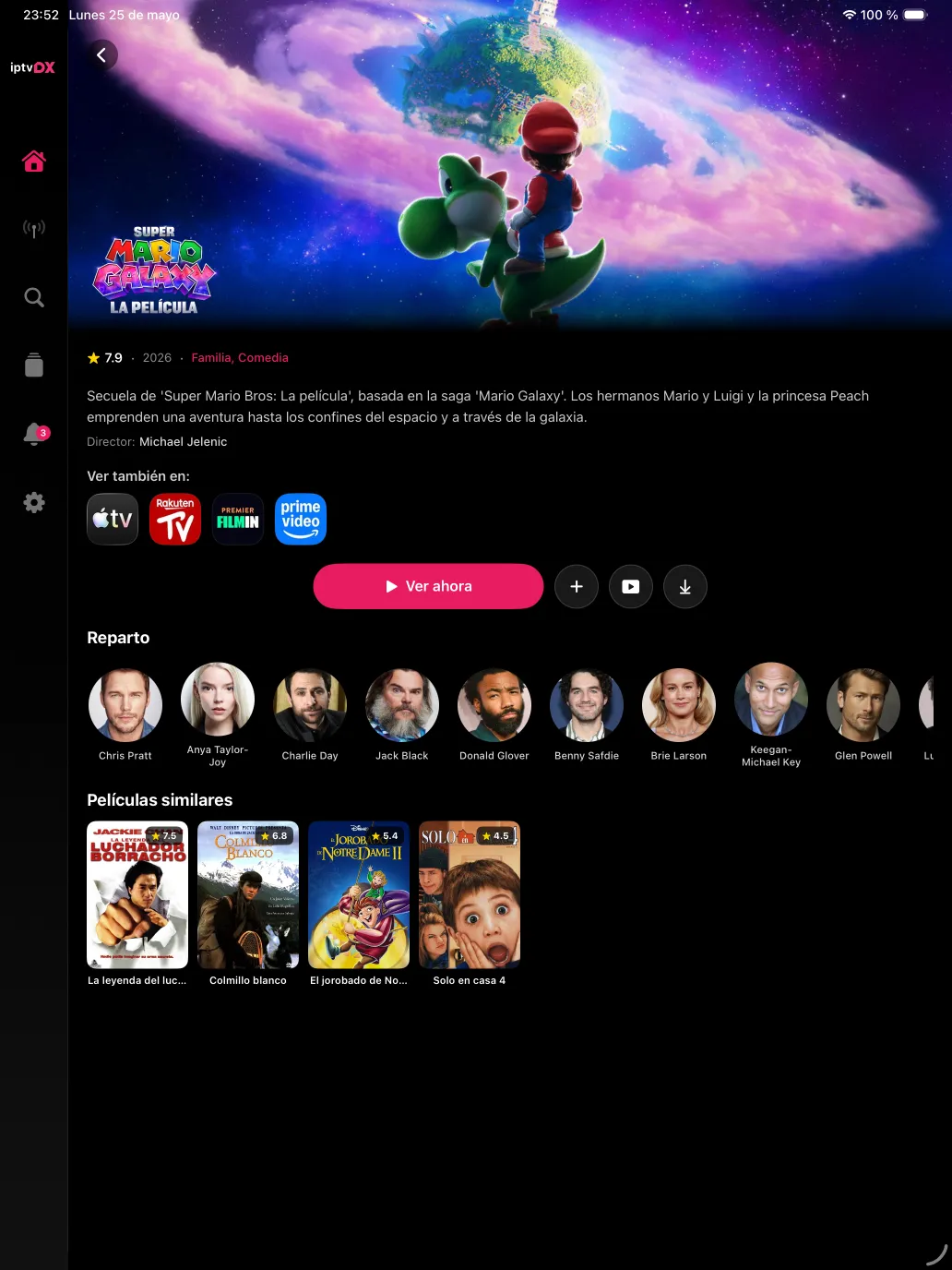
No need to download or edit playlists: with the Xtream Codes details from your provider, iptvDX fetches the channels and sorts them by category.
One account, all your devices
Set up your login once and use it on iPhone, iPad, Apple TV and Mac thanks to iCloud sync. Your favourites follow you from screen to screen.
Private, with no content of its own
iptvDX is just the player: it does not sell or include channels. You choose your provider and the app simply plays the source you add, cleanly.
How to add your Xtream Codes account
- 1
Install iptvDX from the App Store on your iPhone, iPad, Apple TV or Mac.
- 2
Choose add Xtream Codes and enter server, username and password.
- 3
Wait a few seconds for the categories to load and start watching.
All purchases are handled through the Apple App Store · No content included · Users bring their own IPTV source