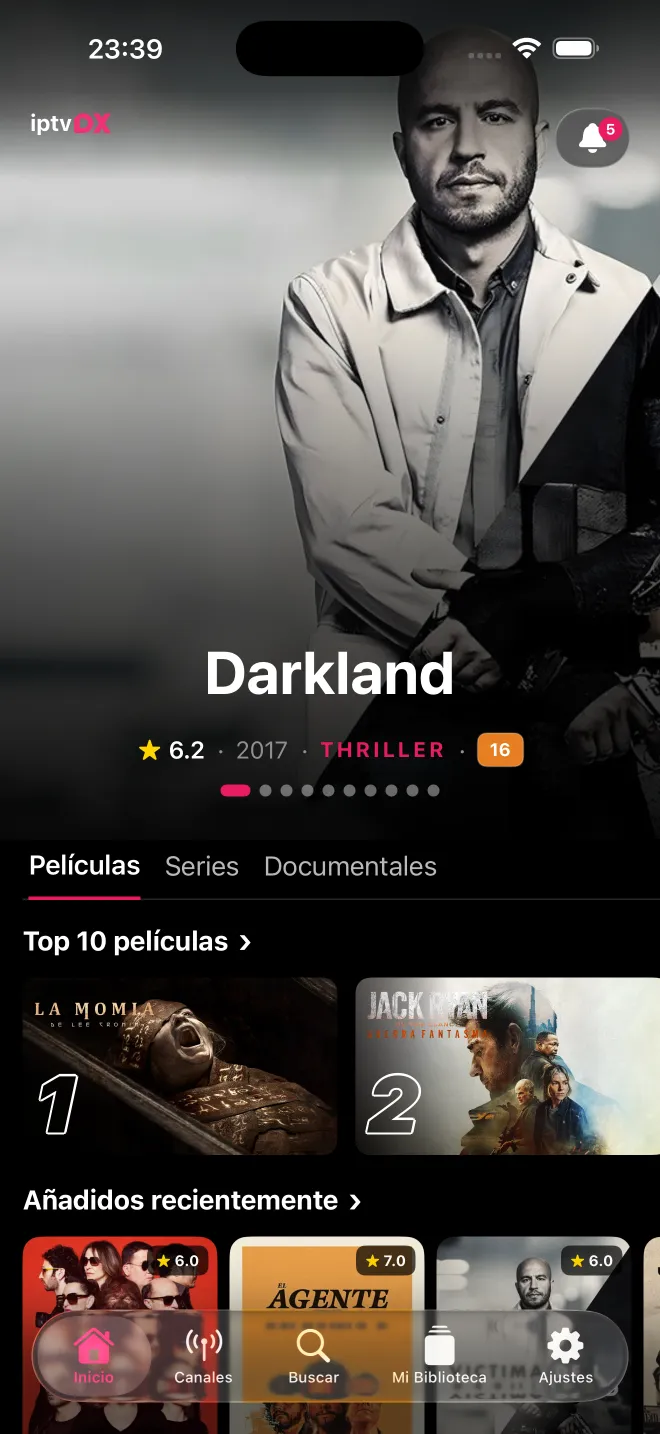
Load by URL or local file
Paste your M3U playlist URL or import it from Files. iptvDX reads it, groups channels into categories and gets it ready to play.
Favourites, recents and search
Mark what you watch most, jump back to what you played last and find any channel in seconds with fast search, even in playlists with thousands of entries.
Offline viewing and Family Sharing
Download content to watch offline, sync your playlists across iPhone, iPad, Apple TV and Mac with iCloud, and share the app with up to 6 people through Family Sharing.
How to open an M3U playlist on iPhone
- 1
Install iptvDX from the App Store (iOS 18 or later).
- 2
Tap add playlist and paste your provider's M3U URL, or pick the .m3u file.
- 3
Browse categories, save favourites and tap a channel to play it.
All purchases are handled through the Apple App Store · No content included · Users bring their own IPTV source