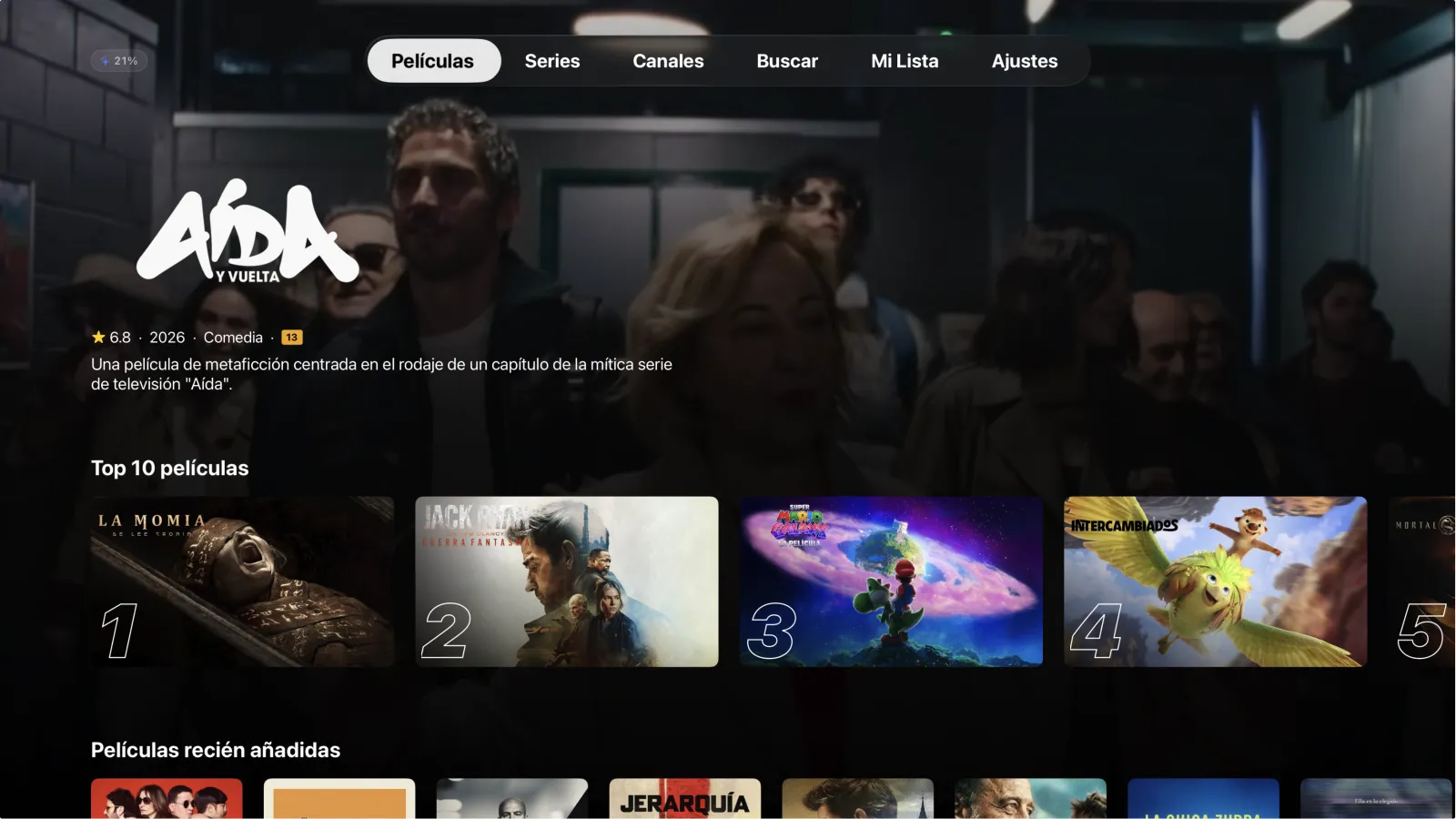
Designed for tvOS, not ported
On Apple TV, iptvDX is built around distance, focus and the remote. Categories, favourites and search work with the Siri Remote just like any native Apple app.
Your M3U and Xtream Codes playlists
Add your playlist by URL or enter your Xtream Codes credentials and the app sorts channels into categories. iptvDX includes no content: it plays the IPTV source you provide.
Synced with iPhone, iPad and Mac
With iCloud, your playlists and favourites show up on Apple TV without setting them up again. One purchase covers all your devices and can be shared with up to 6 family members.
Getting started on Apple TV
- 1
Download iptvDX from the App Store on your Apple TV (tvOS 18 or later).
- 2
Add your M3U playlist or Xtream Codes login, or pick it up from iCloud if it is already on another device.
- 3
Choose a category, mark your favourites and start watching from the couch.
All purchases are handled through the Apple App Store · No content included · Users bring their own IPTV source